






Challenge 01
Variable Production Requirements
Different products, quantities, and job specifications make manufacturing schedules and execution more complex.
“Which jobs are running today, and which ones will be late?”Planning manager
Machinery & Industrial Equipment
From machining and fabrication to assembly and testing, machinery manufacturers manage diverse production jobs, equipment, and delivery requirements. DelphEon helps connect machine performance with production activities to improve visibility across manufacturing operations.
Scroll to watch:Shown here: Boring a gearbox housing on VMC-04
Bay 3 · VMC-04
Every machine hour and job in one record.
Illustration of a vertical machining centre, VMC-04, boring a GH-220 gearbox housing. Illustrative readings: VMC-04 running at 8,000 rpm on operation 20; housing 27 of job J-2417 linked to its machine, job and shift; cycle complete in 14 minutes 20 seconds; the housing leaves on the outfeed conveyor, passes bore inspection and joins the finished stack, bringing J-2417 to 27 of 40 housings.
Different products, quantities, and job specifications make manufacturing schedules and execution more complex.
“Which jobs are running today, and which ones will be late?”Planning manager
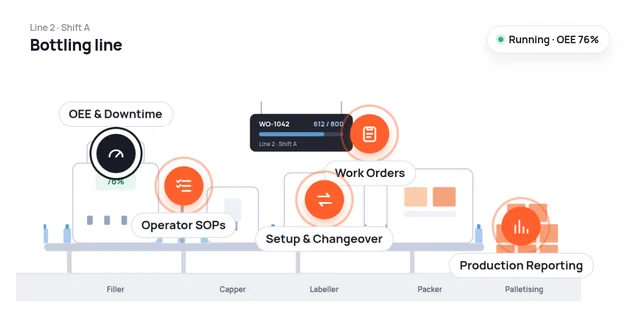
Connect manufacturing requirements with shop-floor execution to monitor job progress, completed quantities, and deviations from planned production.
In Bay 3J-2417 for 40 GH-220 gearbox housings: 26 done, with milling complete and drilling still to run.
Key measuresWork-Order Status·Output·Production Progress
Explore Shop Floor ExecutionUnplanned stoppages, waiting periods, and low utilization reduce available manufacturing capacity.
“Why was VMC-04 idle for almost two hours this shift?”Production manager
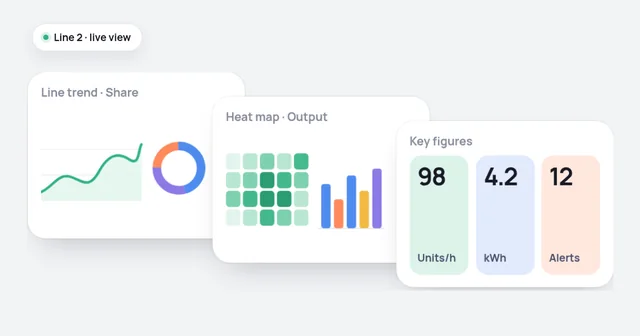
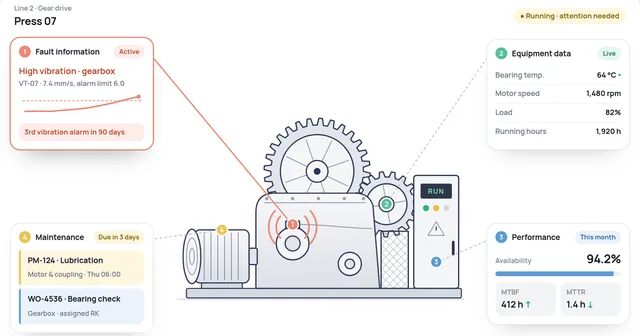
Monitor operating status, idle time, downtime, and machine performance to understand how effectively available manufacturing capacity is used.
In Bay 3VMC-04 ran at 61% utilization this shift, with 1 h 40 min idle while waiting for a program and material.
Key measuresMachine Utilization·OEE·Downtime
Explore Shop Floor ExecutionChanging jobs, tools, and operating requirements can create recurring production delays.
“Why did the GH-220 setup take 52 minutes again?”Shop-floor supervisor
Track setup activities, changeover durations, and recurring delays to identify opportunities for more efficient transitions between production jobs.
In Bay 3The GH-220 setup on VMC-04 took 52 minutes against 30 planned, the third long setup on that fixture this month.
Key measuresSetup Time·Changeover Duration·Idle Time
Explore Shop Floor ExecutionDisconnected machine records and operator updates make tracking job progress difficult.
“What happened on J-2417, operation by operation?”Operations head
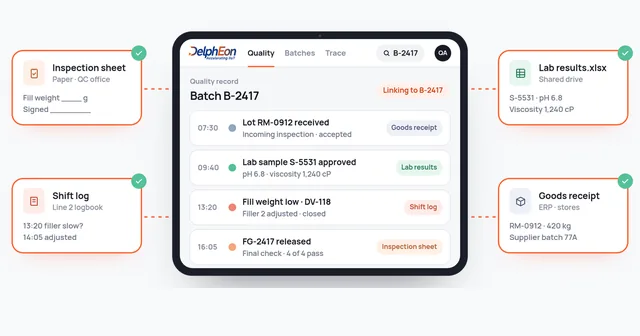
Connect available production activities, inspection results, and job-related records to support manufacturing reviews and quality investigations.
In Bay 3The two reworked housings on J-2417 trace back to VMC-04, the night shift and a bore inspection result.
Key measuresInspection Results·Job History·Rework
Explore Quality Management & Traceability01 / 04
Area by area
One view from job release to dispatch, built around the operations a machinery and equipment plant actually runs.
Job cards printed and walked to the floor
Released work orders visible at each machine, with quantities and due dates.
Machine status known only by walking the floor
Running, idle and stopped time for every machine, with the reasons.
Progress reported at the end of the shift
Operation progress and completed quantities by job.
Build progress tracked on a whiteboard
Assembly progress and missing-part delays by work order.
Inspection results filed with the job card
Inspection and test results linked to the job and operation.
Completion confirmed by phone
Completed jobs and quantities ready for dispatch.
One job, followed
A manufacturing job may move through several machines and operations, with each stage affecting overall completion time.
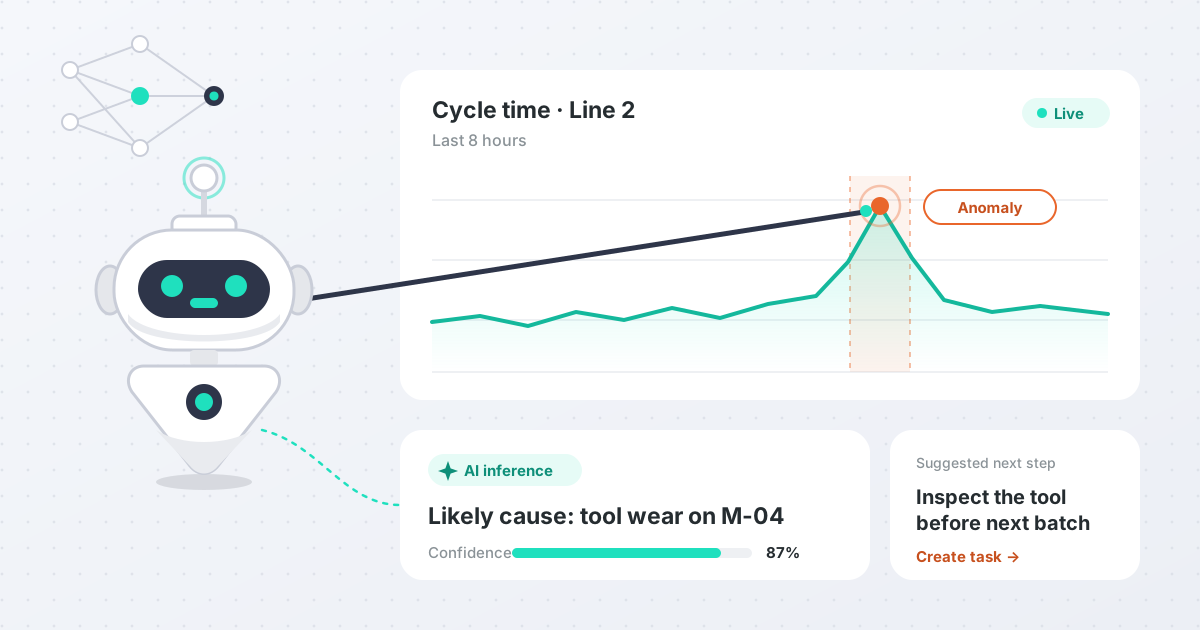
DelphEon helps teams review work-order progress, machine activity, and recorded production updates to understand where delays occur.
J-2417GH-220 gearbox housings, due Thursday
Over planVMC-04 fixture and tool change, planned at 30 min
Idle 3 times, waiting for a program and material
✓ Done40 of 40 made, 2 reworked; setup and idle time flagged
Getting started
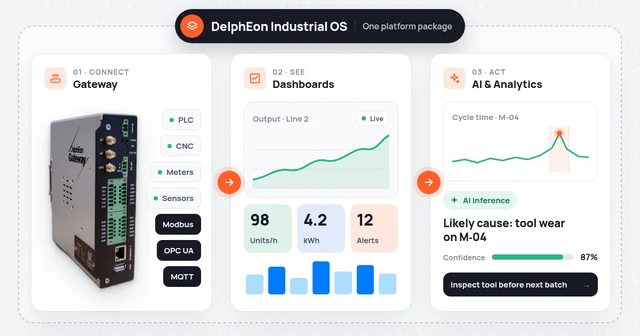
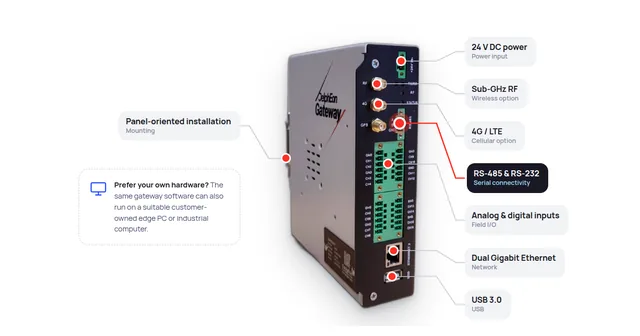
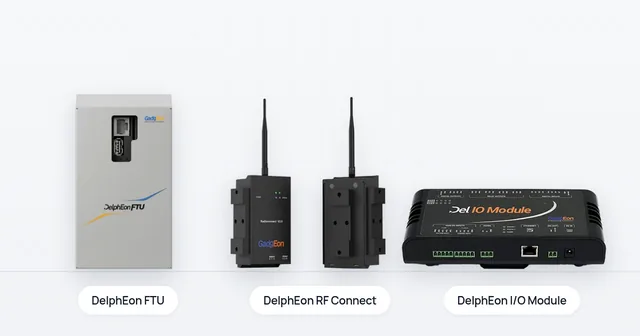
CNCs, PLCs and older machines connect through DelphEon Gateway: OPC UA, Modbus, S7, MELSEC or FANUC FOCAS2 (licensed add-on), or I/O signals for machines without a controller interface.
Begin with one machine group or cell that runs a typical mix of jobs, with its setups and inspections, and show where its machine hours go.
Add machines, bays and plants once the first cell’s records are trusted. Your ERP keeps its existing responsibilities.
FAQ
Machines with a controller interface connect through DelphEon Gateway using protocols such as OPC UA, Modbus, S7, MELSEC or FANUC FOCAS2 (a licensed add-on, subject to compatibility). Older machines without a usable interface can be connected through I/O signals such as run, stop and part count. Each machine is assessed against its exact controller.
Yes. Where a machine reports its status automatically, operators can select the reason for a stop, setup or idle period at the machine. The reason list is agreed with your team at the start.
No. DelphEon works alongside your existing ERP. Which system owns orders, stock and costing is agreed during scoping.
With one machine group or cell that runs a typical mix of jobs. The aim is a trusted record of where its machine hours go before you expand.
Gain better visibility into machine utilization, production jobs, setup activities, and manufacturing performance across your workshop or factory.
Discuss Your Machinery Manufacturing Requirements